



Tab Menu
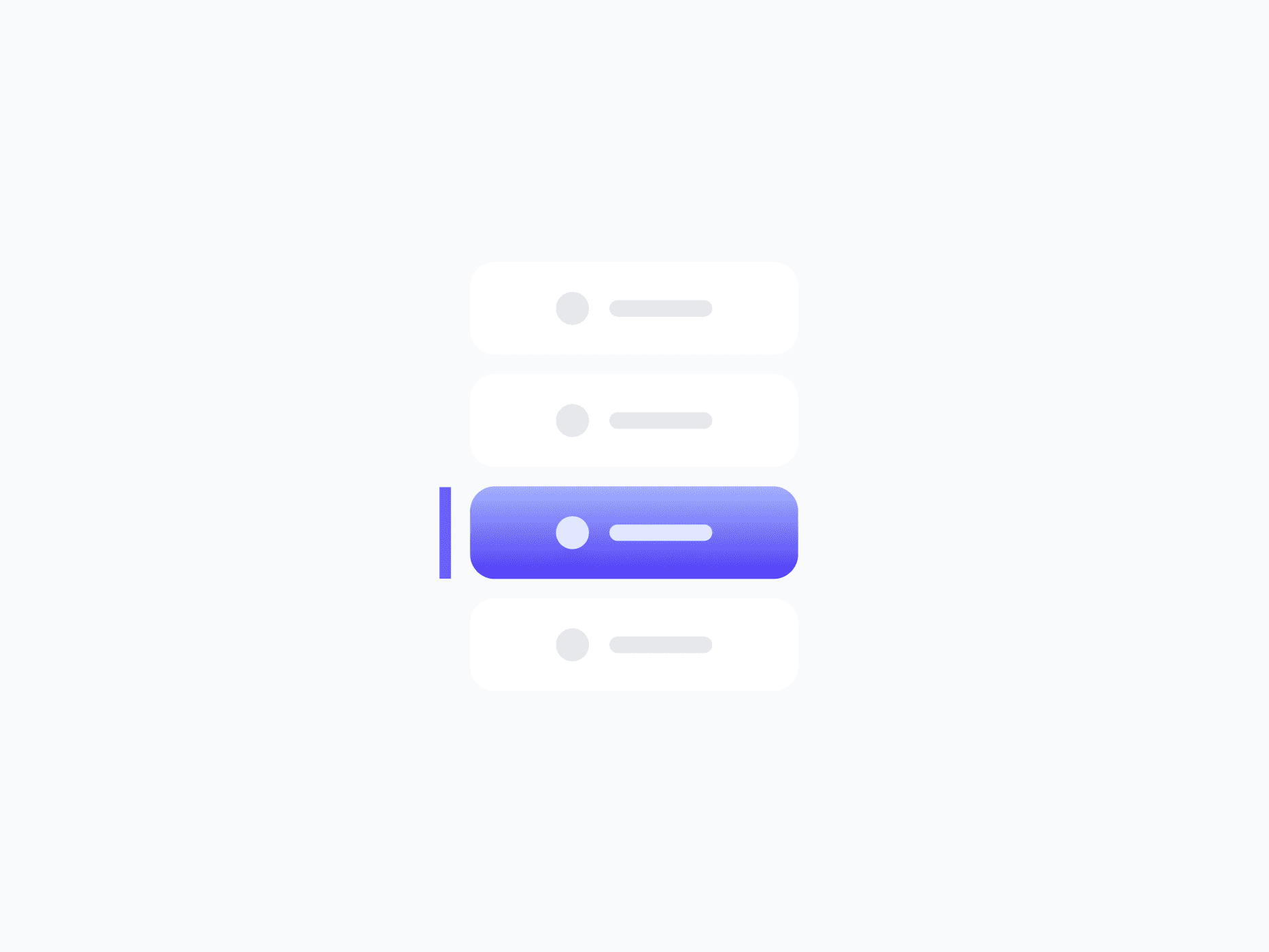
Organizes content into switchable sections within a single view. Tab Menu offers 7 layout variants, from horizontal tabs to vertical sidebar menus, built from Tab Item components, ready in Figma and React.







Loved by 2,000+ users worldwide.
Overview
Tab Menu organizes content into switchable sections within a single view. Its 7 layout variants cover every orientation and indicator style, from horizontal button tabs and bottom-indicator navigation bars to vertical sidebar menus. Built from the Tab Item component, every item supports icons, badges, and status badges with full state coverage.
Figma Preview
When should you use them?
Use a tab menu to let users switch between related sections of content in the same view, like Overview, Activity, and Settings on a profile, or panels in a dashboard. Use a segmented control instead for compact mode toggles, and a dropdown menu when options should stay hidden until opened.
How should you use them?
- Use tabs to switch between content sections; use a segmented control for compact mode toggles.
- Keep tab labels short and clear so users can predict what each section holds.
- Show the active tab clearly so users always know which section they're viewing.
- Use a horizontal layout for page-level sections and a vertical layout for sidebar navigation.
- Add badges or status badges to a tab only when they add meaningful signal.
- Keep tabs keyboard-navigable with arrow keys and mark the active tab for screen readers.
Questions,
answered clearly.
Plans, pricing, licensing, updates, and technical questions, all answered in one place.
Still have questions?


Your current plan is a one-time payment, no subscriptions, no recurring charges for what you buy today. Some future Create UI products (such as AI-powered features) may be offered as optional add-on subscriptions, but these are entirely separate and will never affect your existing purchase. What you buy now, you own permanently.

Stop deciding. Start shipping.
Install it today and your next screen takes an hour instead of a day. Keep rebuilding from scratch, and next quarter looks exactly like this one.
Start Free Now. Upgrade whenever you need.



