



Command Menu
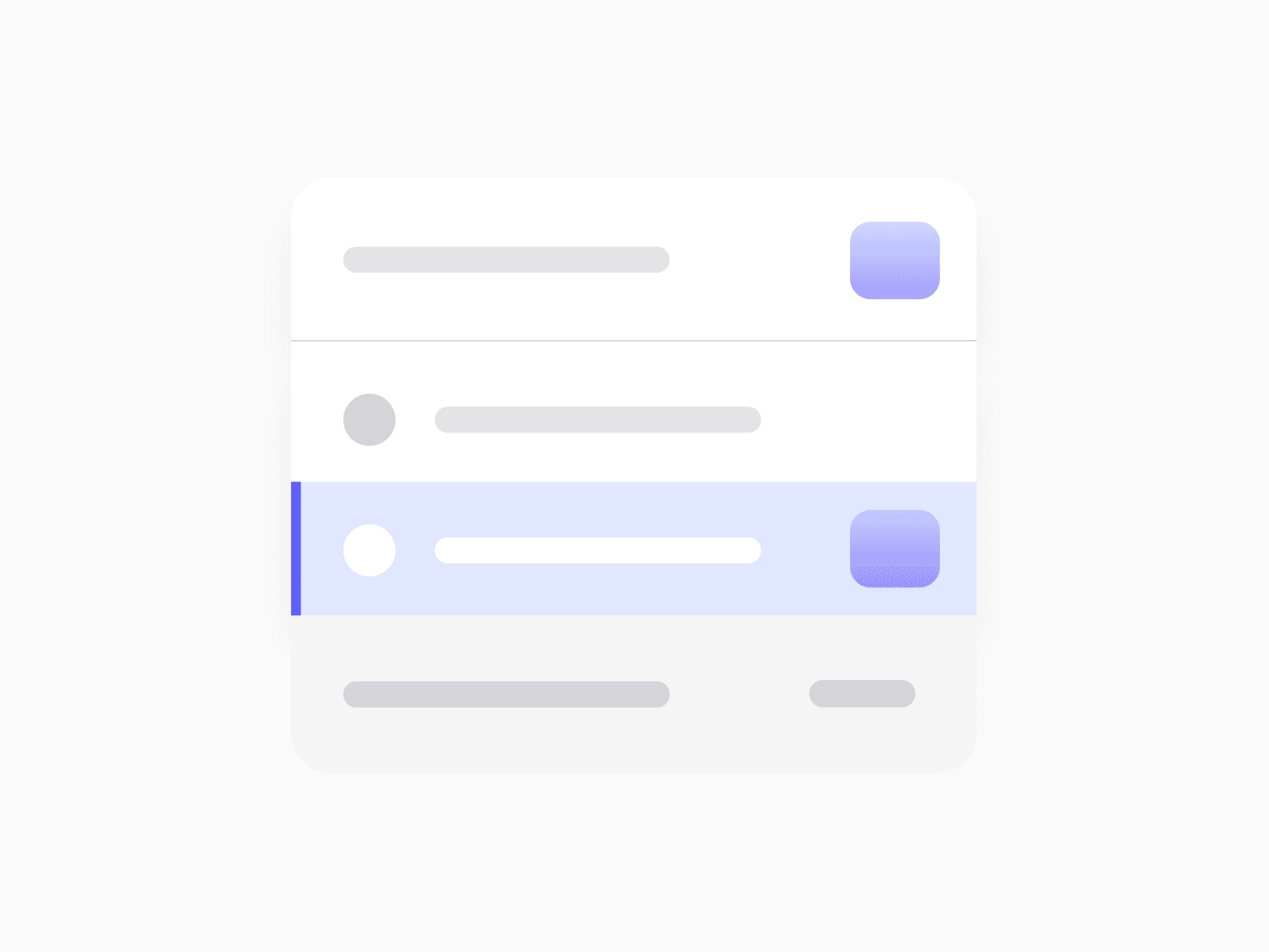
A complete shell for command palettes and quick action launchers. Command Menu offers 3 display states and 11 item variants, ready in Figma and React.







Loved by 2,000+ users worldwide.
Overview
Command Menu is the shell and building blocks of any command palette, search interface, or quick action launcher. The shell handles the full lifecycle from a collapsed search bar to an expanded panel with built-in tabs, sections, and a keyboard hints footer, while eleven item variants cover every kind of selectable entry, from simple commands and files to people, applications, and recent history chips, each with three consistent interaction states.
Figma Preview
When should you use them?
Use a command menu for global search, keyboard-first shortcuts, AI assistant launchers, and workspace switchers, wherever users should reach anything in the product from one entry point. Reach for Dropdown Menu when actions belong to a specific trigger or element, and Select Field when the choice is a form input rather than a navigation surface.
How should you use them?
- Compose in two layers: let the shell manage the Collapsed and Expanded states, and fill the content slot with Command Menu Items.
- Match item variants to content: Person for people, File for documents, Website for links, Action rows for commands, and AI Chat for assistant entries.
- Structure long result lists with Heading and Divider so sections stay scannable, and keep the Recent chip strip for dismissible quick access.
- Use the built-in tab row with count badges to split result types, since views switch without remounting the menu.
- Surface shortcuts in the item kbd slots and keep the footer hints visible, so power users learn the palette without a tutorial.
- Follow the combobox pattern: give the search input aria-expanded and aria-controls, and manage the highlighted row with aria-activedescendant so screen readers track keyboard navigation through results.
Questions,
answered clearly.
Plans, pricing, licensing, updates, and technical questions, all answered in one place.
Still have questions?


Your current plan is a one-time payment, no subscriptions, no recurring charges for what you buy today. Some future Create UI products (such as AI-powered features) may be offered as optional add-on subscriptions, but these are entirely separate and will never affect your existing purchase. What you buy now, you own permanently.

Stop deciding. Start shipping.
Install it today and your next screen takes an hour instead of a day. Keep rebuilding from scratch, and next quarter looks exactly like this one.
Start Free Now. Upgrade whenever you need.



