



Dropdown Menu
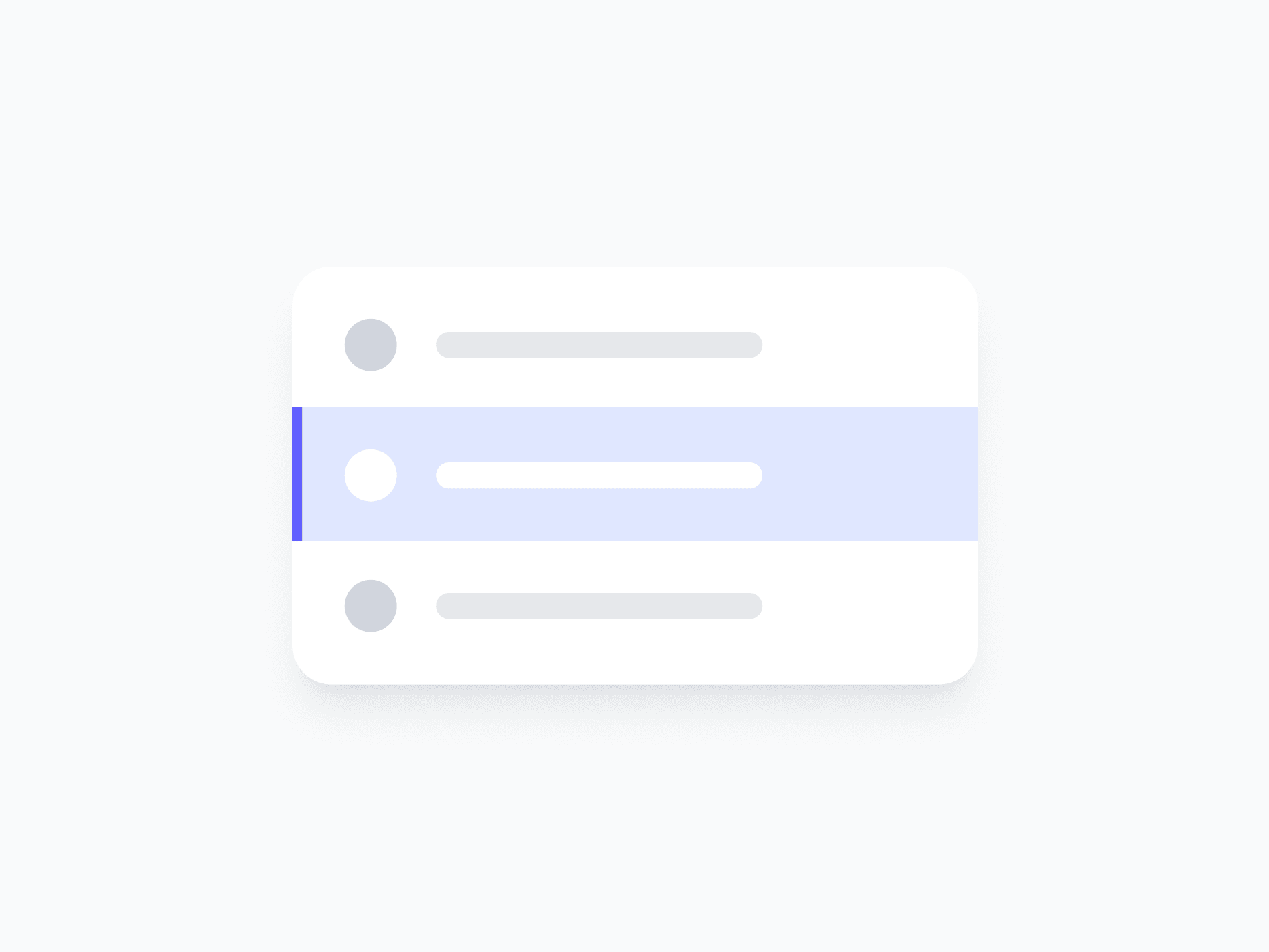
A contextual option list that surfaces navigation, actions, and selectable items in a floating panel. Dropdown Menu covers 8 content variants, each with the right leading visual, ready in Figma and React.







Loved by 2,000+ users worldwide.
Overview
Dropdown Menu is a contextual option list that surfaces navigation, actions, and selectable items in a floating panel. Each of its 8 content variants pre-configures item layout with the right leading visual for its data type, from user avatars to tokens, files, and country flags, with flexible item counts and scrollable content for longer lists.
Figma Preview
When should you use them?
Use a dropdown menu to present a list of actions, navigation links, or commands triggered from a button or icon, like an account menu, a row's action menu, or a 'more options' control. Use a Select Field instead when you're capturing a value in a form.
How should you use them?
- Use a dropdown menu for actions and navigation; use a Select Field for choosing a value in a form.
- Choose the variant that matches your items (User, File, Country, and others) for the right leading visuals.
- Keep menu items short and action-oriented, starting with a verb where they trigger an action.
- Turn on the scroll bar for longer lists so the menu keeps a predictable footprint.
- Group or separate related items so the list stays easy to scan.
- Keep the menu keyboard-navigable with arrow keys and dismissible with Escape.
Questions,
answered clearly.
Plans, pricing, licensing, updates, and technical questions, all answered in one place.
Still have questions?


Your current plan is a one-time payment, no subscriptions, no recurring charges for what you buy today. Some future Create UI products (such as AI-powered features) may be offered as optional add-on subscriptions, but these are entirely separate and will never affect your existing purchase. What you buy now, you own permanently.

Stop deciding. Start shipping.
Install it today and your next screen takes an hour instead of a day. Keep rebuilding from scratch, and next quarter looks exactly like this one.
Start Free Now. Upgrade whenever you need.



