



Header Navigation
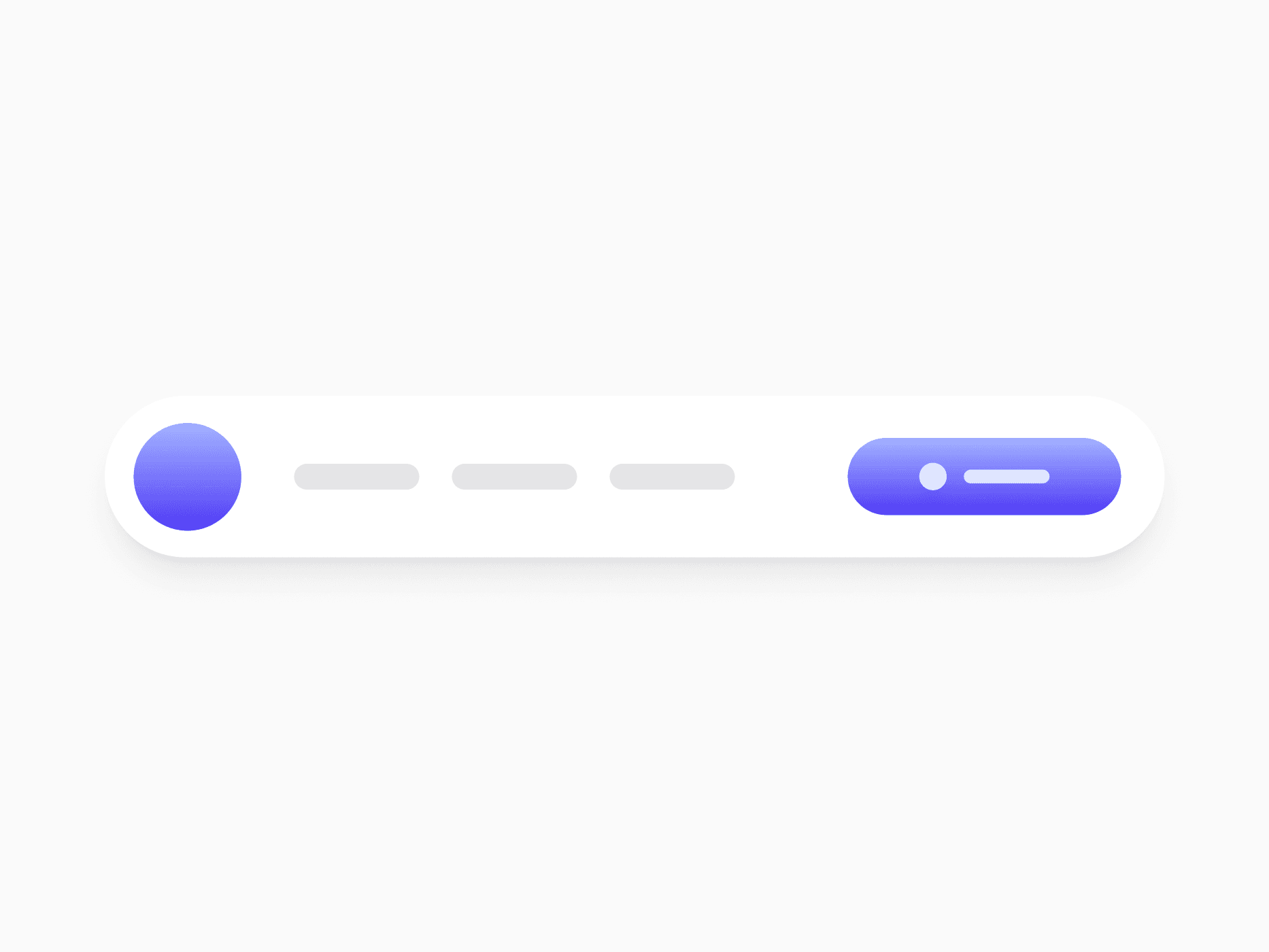
A persistent top bar for site and product navigation. Header Navigation offers 5 layout variants across 3 devices with account and guest states, ready in Figma and React.







Loved by 2,000+ users worldwide.
Overview
Header Navigation is the persistent top-level bar that carries the brand mark, the primary menu, and the actions users reach for most. Five layout variants adapt from lean marketing sites to full documentation portals, while State swaps the actions cluster between signed-in and signed-out and Device presets scale the layout from full inline navigation on desktop to a hamburger drawer on mobile.
Figma Preview
When should you use them?
Use a header navigation as the top-level chrome of every page, from marketing landings to authenticated product surfaces. It is the right home for the brand mark, primary destinations, and the main call to action. Reach for Tab Menu when switching sections inside a single page, and Breadcrumb Group when users need a location trail rather than primary navigation.
How should you use them?
- Pick the variant for the surface: Default for product headers, Full Header for docs and admin portals, Compact Promo for campaigns, Compact Rounded or Pill for marketing-forward landings.
- Use State to serve both audiences with one header: signed-out shows Log In and Get Started, signed-in shows search, notifications, and the avatar.
- Match the Device preset to your real breakpoints, moving from inline navigation to overflow menu to hamburger drawer as space shrinks.
- Keep the primary CTA visible in the actions cluster on every viewport and let secondary utilities collapse first.
- Use NEW and BETA badges in menu items sparingly, so highlights stay meaningful.
- Render the menu inside a nav landmark with an aria-label, and give the mobile menu trigger aria-expanded and aria-controls, so screen reader users know the drawer state.
Questions,
answered clearly.
Plans, pricing, licensing, updates, and technical questions, all answered in one place.
Still have questions?


Your current plan is a one-time payment, no subscriptions, no recurring charges for what you buy today. Some future Create UI products (such as AI-powered features) may be offered as optional add-on subscriptions, but these are entirely separate and will never affect your existing purchase. What you buy now, you own permanently.

Stop deciding. Start shipping.
Install it today and your next screen takes an hour instead of a day. Keep rebuilding from scratch, and next quarter looks exactly like this one.
Start Free Now. Upgrade whenever you need.



