



Select
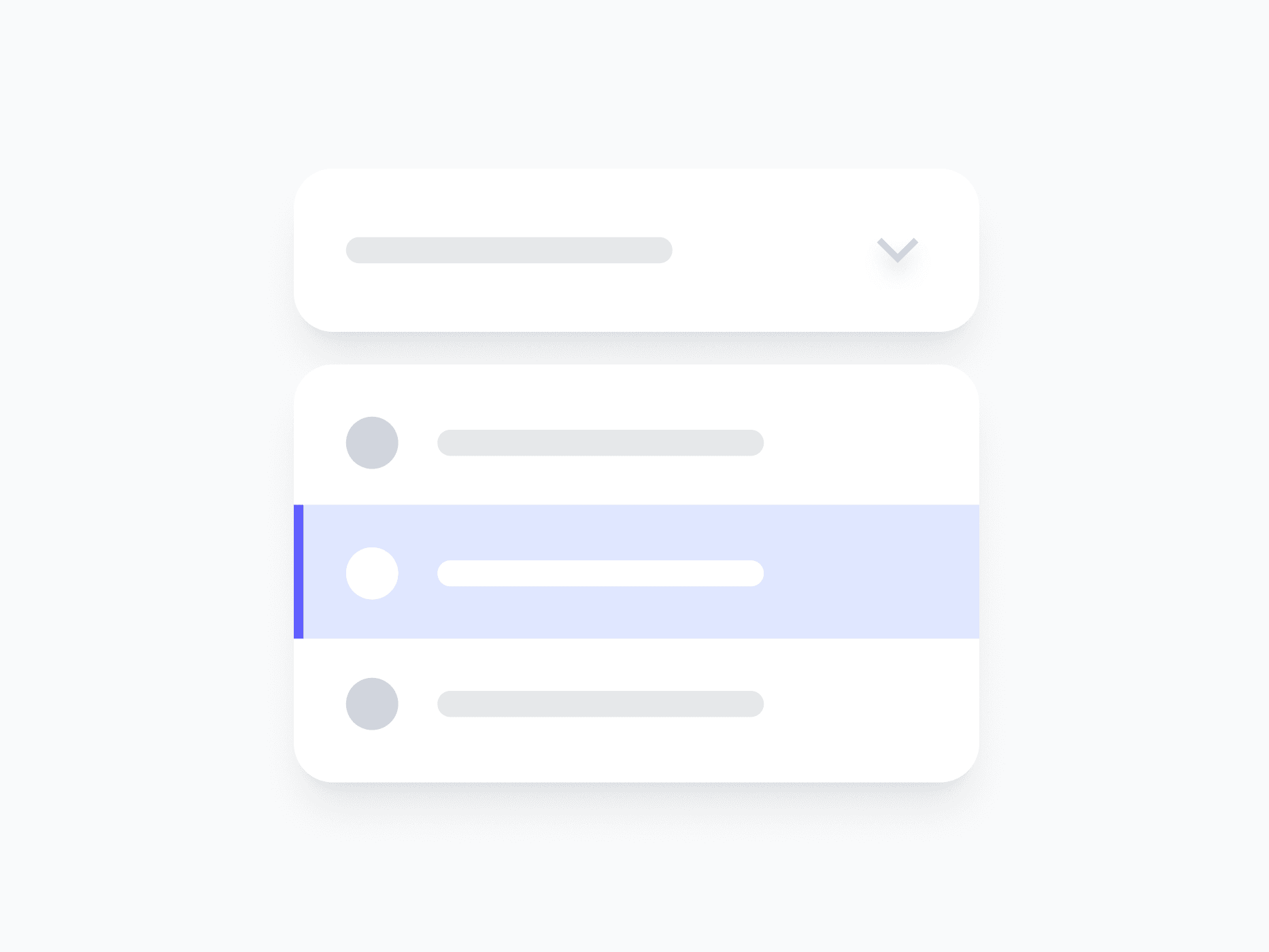
A dropdown selection component built for every choice context. Select Field covers 8 context variants, from crypto and country to file types and emoji, each with the right leading visual, ready in Figma and React.







Loved by 2,000+ users worldwide.
Overview
Select Field is a dropdown selection component built for every choice context, from plain text options to crypto assets, country flags, file types, and more. Each of the 8 variants ships with the right leading visual and layout for its data type, so the selector always matches the content it represents.
Figma Preview
When should you use them?
Use a select when a user chooses one option from a list that's too long for radios or visible buttons, like a country, a currency, or a file type. Pick the variant that matches your data so each option shows the right leading visual automatically.
How should you use them?
- Use a select for choosing from a longer list; use radios when there are only a few visible choices.
- Choose the variant that matches your data (Country, Crypto, File, and others) for the right leading visuals.
- Keep option labels short and scannable so users can find their choice quickly.
- Show the Loading state while options are being fetched.
- Use the Error state with a clear message when no valid option is selected.
- Keep the select keyboard-navigable, so users can open it and move through options without a mouse.
Questions,
answered clearly.
Plans, pricing, licensing, updates, and technical questions, all answered in one place.
Still have questions?


Your current plan is a one-time payment, no subscriptions, no recurring charges for what you buy today. Some future Create UI products (such as AI-powered features) may be offered as optional add-on subscriptions, but these are entirely separate and will never affect your existing purchase. What you buy now, you own permanently.

Stop deciding. Start shipping.
Install it today and your next screen takes an hour instead of a day. Keep rebuilding from scratch, and next quarter looks exactly like this one.
Start Free Now. Upgrade whenever you need.



