



File Format
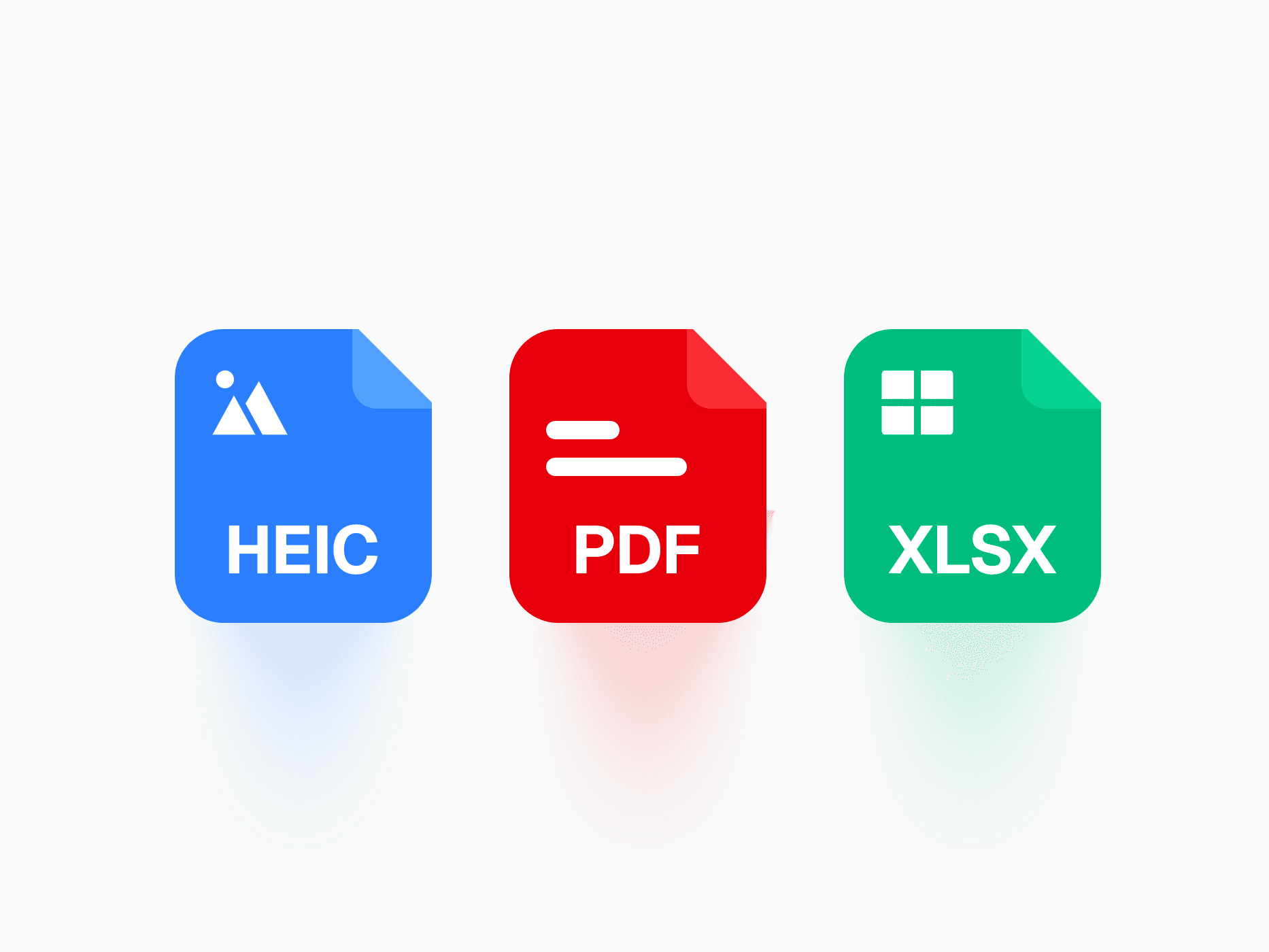
A visual identifier set for file types. File Format offers 40+ formats with 4 variants and 2 appearances, ready in Figma and React.







Loved by 2,000+ users worldwide.
Overview
File Format is the visual identifier set for file types across the entire product, covering documents, code, design, media, and archives through a single Format property. Four variants and two appearances control how loudly each icon speaks, and in Colorful mode every format references its native brand or convention color, kept in sync with the global brand system, so a PDF always reads as a PDF at a glance.
Figma Preview
When should you use them?
Use file format icons wherever users see or handle files: upload flows, file managers, attachment lists, download rows, and search results. They pair naturally with File Upload Row and the file entries of Command Menu. Reach for Badge or Status Badge when you are communicating a file's state like uploaded or failed, since File Format identifies the type, not the status.
How should you use them?
- Set the Format property to match the file exactly, from PDF and DOC to TSX, FIG, and MP4, instead of reusing a generic document icon.
- Pick the variant by how much attention the icon deserves: Colorful Solid for brand-true moments, Colorful Soft for dense lists, Neutral Solid for system gray identification, Neutral Soft for ambient hints.
- Match the appearance to the surface density: Filled where the icon competes with text in compact file managers, Outline in editorial layouts with generous spacing.
- Keep one variant and appearance combination per surface, so a file list reads as a system rather than a mix.
- Leave format-true colors to the token system instead of overriding per instance, since a single token change updates every icon across the product.
- Mark the icon aria-hidden when a visible file name or extension sits next to it, and give it an accessible name like the format itself when the icon is the only thing conveying the type.
Questions,
answered clearly.
Plans, pricing, licensing, updates, and technical questions, all answered in one place.
Still have questions?


Your current plan is a one-time payment, no subscriptions, no recurring charges for what you buy today. Some future Create UI products (such as AI-powered features) may be offered as optional add-on subscriptions, but these are entirely separate and will never affect your existing purchase. What you buy now, you own permanently.

Stop deciding. Start shipping.
Install it today and your next screen takes an hour instead of a day. Keep rebuilding from scratch, and next quarter looks exactly like this one.
Start Free Now. Upgrade whenever you need.



