



Pagination
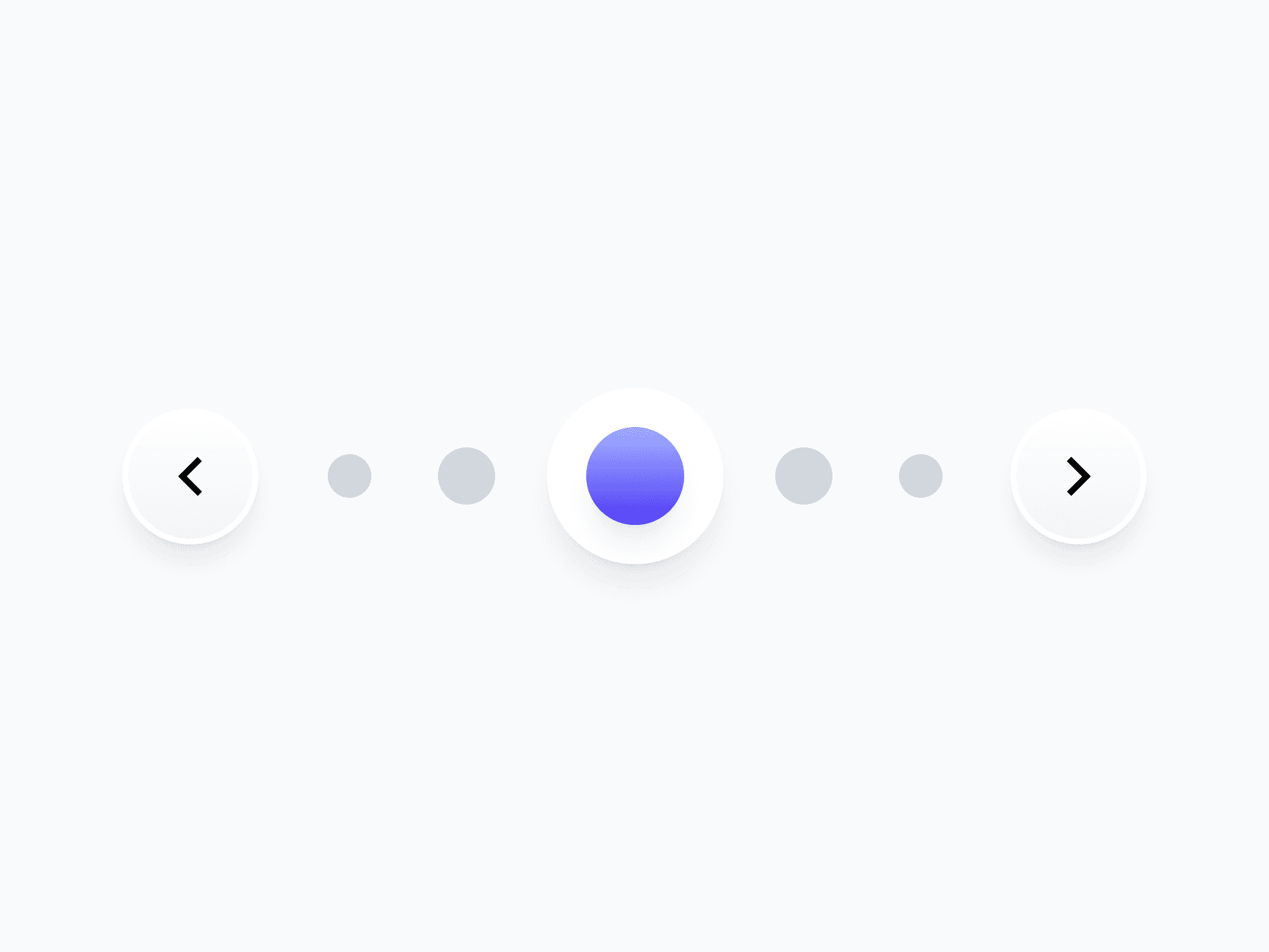
Navigation controls for moving through multi-page content, data tables, and long lists. Pagination offers 8 layout variants, all built from Button and Button Group components, ready in Figma and React.







Loved by 2,000+ users worldwide.
Overview
Pagination provides navigation controls for moving through multi-page content, data tables, and long lists. Its 8 layout variants cover every context, from full numbered navigation and grouped controls to compact pagers for tight layouts. Built from the Button and Button Group components, it inherits their interaction states, sizing, and token logic automatically.
Figma Preview
When should you use them?
Use pagination when content is split across multiple pages and users need to move between them, like a data table, search results, or a long list. Choose a full numbered variant when users benefit from jumping to a specific page, or a compact pager when space is tight.
How should you use them?
- Use pagination for multi-page content; use infinite scroll for continuous feeds where page numbers don't matter.
- Pick the variant for the context: full numbered for direct page access, compact pager for tight spaces.
- Show the current page clearly so users always know where they are.
- Toggle on page status or page select only when users need them, to keep the control clean.
- Keep previous and next controls disabled at the first and last page.
- Keep controls keyboard-navigable and label them for screen readers.
Questions,
answered clearly.
Plans, pricing, licensing, updates, and technical questions, all answered in one place.
Still have questions?


Your current plan is a one-time payment, no subscriptions, no recurring charges for what you buy today. Some future Create UI products (such as AI-powered features) may be offered as optional add-on subscriptions, but these are entirely separate and will never affect your existing purchase. What you buy now, you own permanently.

Stop deciding. Start shipping.
Install it today and your next screen takes an hour instead of a day. Keep rebuilding from scratch, and next quarter looks exactly like this one.
Start Free Now. Upgrade whenever you need.



