



Checkbox Group
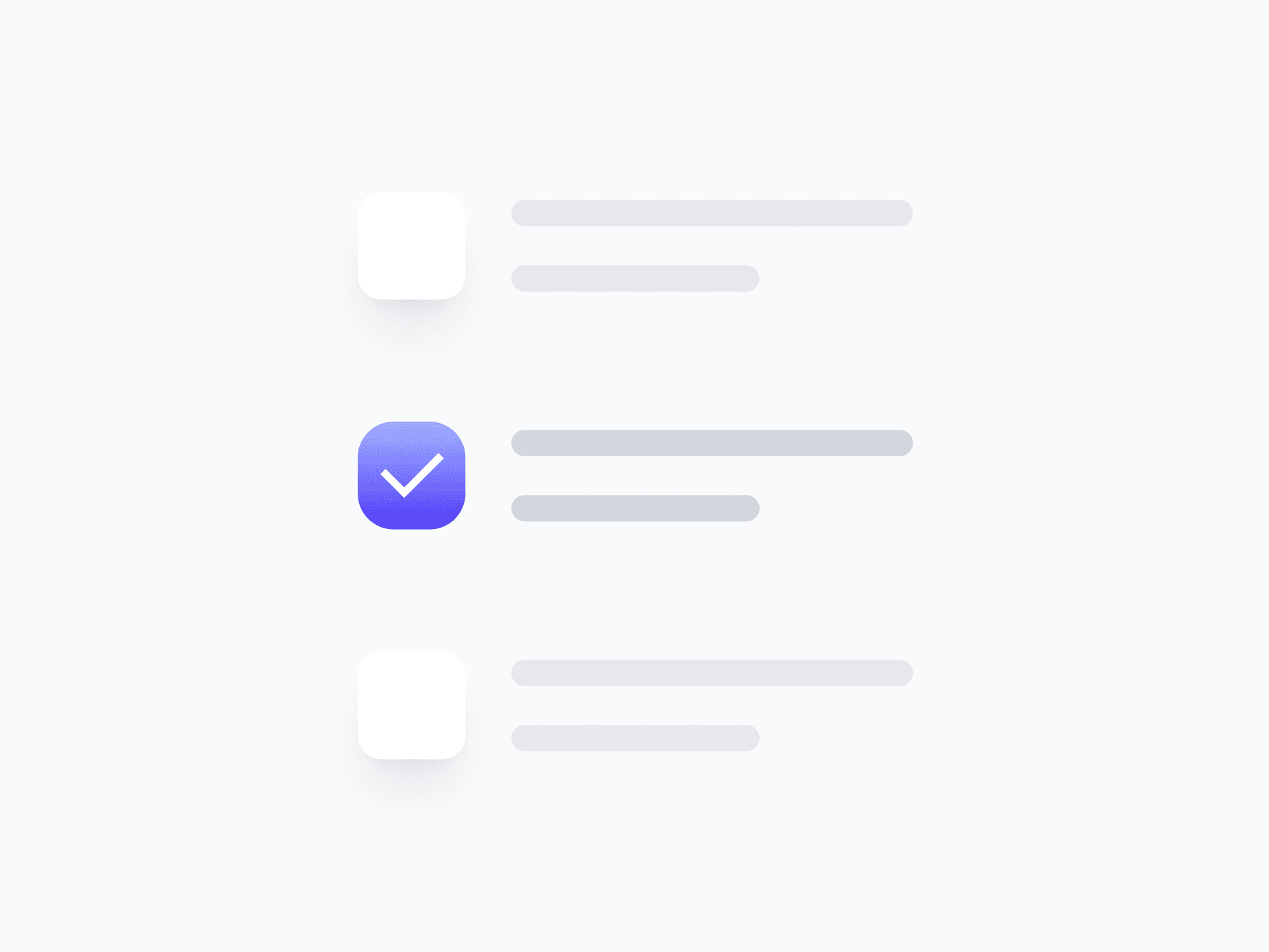
A fully composed checkbox unit that combines a checkbox with its label, badge, and text link. Checkbox Group handles placement, validation, and content visibility in one component, ready in Figma and React.







Loved by 2,000+ users worldwide.
Overview
Checkbox Group combines a checkbox with its label, badge, and text link into a single cohesive unit. It handles placement, validation, and content visibility in one component, so you never have to manually align or sync individual pieces across every form. With 2 variants, 3 sizes, and flexible content toggles, it drops in ready to use.
Figma Preview
When should you use them?
Use a checkbox group whenever a checkbox needs more than a bare box, such as a labeled option with a badge, a terms checkbox with an inline link, or a list item that needs consistent alignment. It keeps the checkbox and its supporting content perfectly aligned without manual spacing.
How should you use them?
- Use it instead of assembling a checkbox, label, and link by hand, to keep alignment consistent.
- Choose Left or Right placement to match reading direction or platform convention.
- Toggle the text link on for options that need an inline link, like a terms-and-conditions row.
- Use the Danger variant to show validation errors directly on the option.
- Show the badge only when it adds meaning, like a 'New' or count indicator.
- Keep the full row clickable and keyboard-accessible for an easy target.
Questions,
answered clearly.
Plans, pricing, licensing, updates, and technical questions, all answered in one place.
Still have questions?


Your current plan is a one-time payment, no subscriptions, no recurring charges for what you buy today. Some future Create UI products (such as AI-powered features) may be offered as optional add-on subscriptions, but these are entirely separate and will never affect your existing purchase. What you buy now, you own permanently.

Stop deciding. Start shipping.
Install it today and your next screen takes an hour instead of a day. Keep rebuilding from scratch, and next quarter looks exactly like this one.
Start Free Now. Upgrade whenever you need.



