



Modal / Dialog
The complete modal system for confirmations, settings, notifications, and multi-step flows. Modal combines a header, body, and footer into one composed structure, ready in Figma and React.







Loved by 2,000+ users worldwide.
Overview
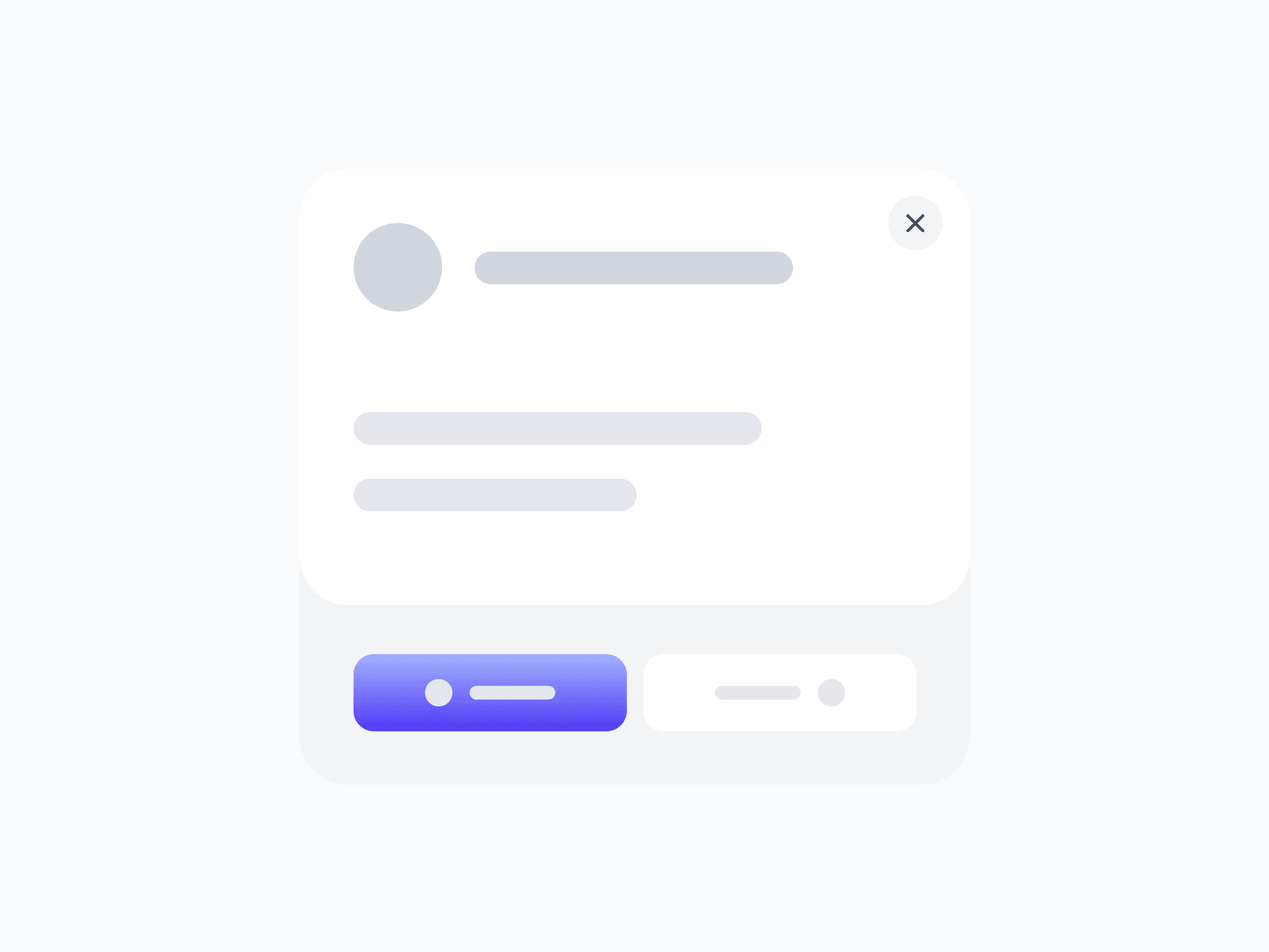
Modal is the complete overlay system for focused tasks that need the user's full attention. The Modal Group combines a header, a flexible body slot, and a footer into one composed structure, handling the full lifecycle from open to dismiss. The header communicates context with a title, optional description, and built-in close button; the footer surfaces actions and helpers like buttons, checkboxes, and progress; and the body accepts any content.
Figma Preview
When should you use them?
Use a modal when a task or decision needs the user's full focus and should interrupt the current flow, like a confirmation, a focused form, or a critical choice. Keep modals for moments that truly warrant interruption, and use an inline pattern or a non-blocking alert when the content doesn't need to take over the screen.
How should you use them?
- Use a modal for focused, interruptive tasks; use inline patterns when the content shouldn't take over the screen.
- Keep each modal focused on a single task or decision, not a dense multi-purpose panel.
- Give the header a clear title, and use the description only when extra context helps.
- Place the primary action in the footer and de-emphasize the secondary one.
- Always provide a clear way to dismiss: the close button, the Escape key, and clicking outside where appropriate.
- Trap focus inside the modal while open and return focus to the trigger on close, so it stays keyboard-accessible.
Questions,
answered clearly.
Plans, pricing, licensing, updates, and technical questions, all answered in one place.
Still have questions?


Your current plan is a one-time payment, no subscriptions, no recurring charges for what you buy today. Some future Create UI products (such as AI-powered features) may be offered as optional add-on subscriptions, but these are entirely separate and will never affect your existing purchase. What you buy now, you own permanently.

Stop deciding. Start shipping.
Install it today and your next screen takes an hour instead of a day. Keep rebuilding from scratch, and next quarter looks exactly like this one.
Start Free Now. Upgrade whenever you need.



