



Spinner - Loaders
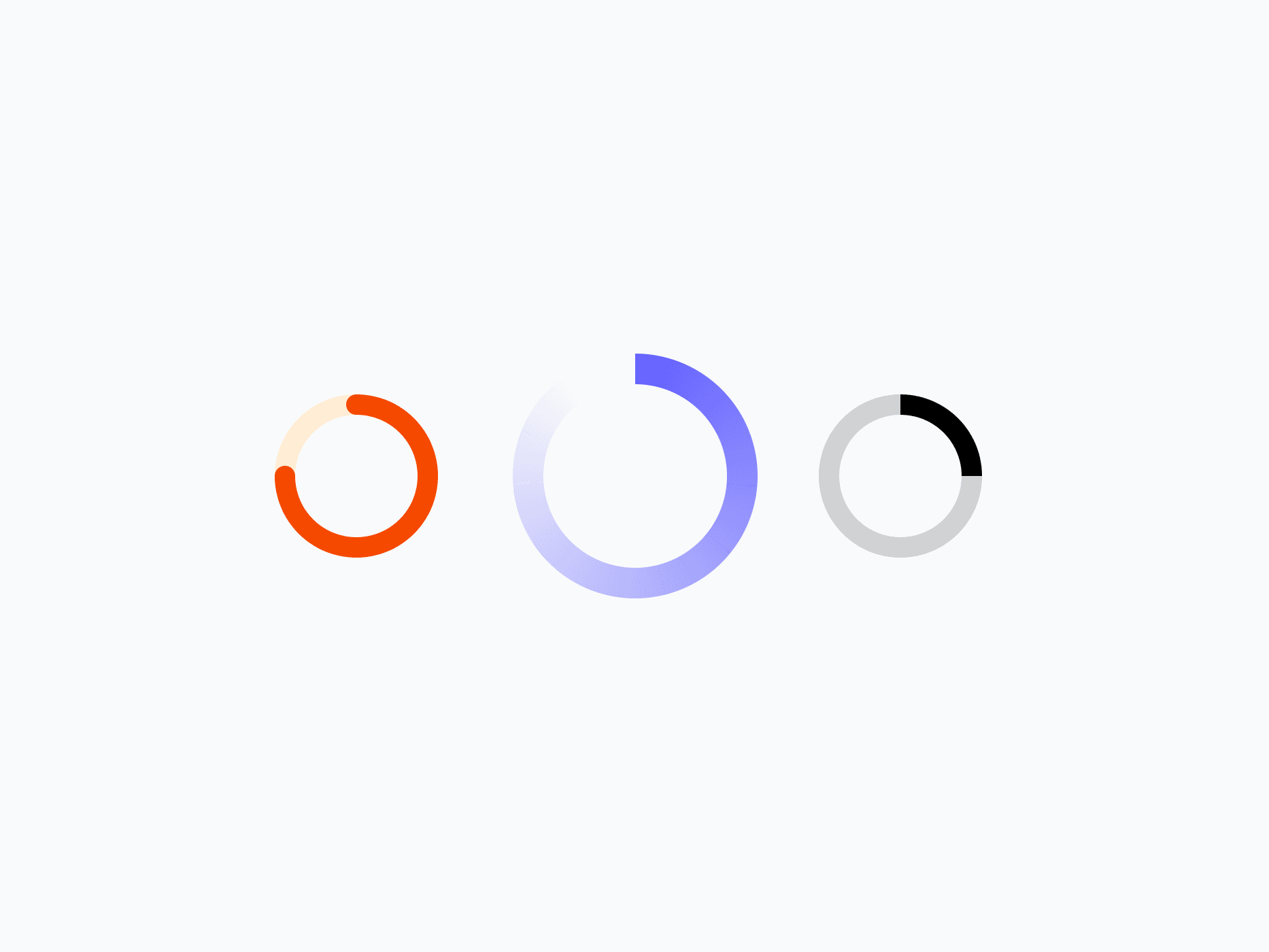
The loading indicator of Create UI. Spinner offers 12 variants, 3 appearance styles, and 4 sizes, working standalone as a page loader or embedded in buttons and inputs, ready in Figma and React.







Loved by 2,000+ users worldwide.
Overview
Spinner is the loading indicator of Create UI. With 12 semantic variants, 3 appearance styles, 4 sizes, and 2 arc lengths, it gives precise control over visual weight and motion. Use it standalone as a page or section loader, or embed it directly into buttons, inputs, and other components as a loading state.
Figma Preview
When should you use them?
Use a spinner to signal that something is loading when the wait is short and indeterminate, like a page or section loading, or a button waiting on a request. When you can show how much is left, use a progress bar instead, and for content placeholders, use a skeleton.
How should you use them?
- Use a spinner for short, indeterminate waits; use a progress bar when you can show how much is left.
- Embed a small spinner in buttons and inputs to show their loading state.
- Use a larger spinner standalone for page or section loading.
- Hide the track background when the surrounding component already provides structure.
- Pair the spinner with brief text for longer waits, so users know what's happening.
- Give the spinner an accessible loading label so screen readers announce the wait.
Questions,
answered clearly.
Plans, pricing, licensing, updates, and technical questions, all answered in one place.
Still have questions?


Your current plan is a one-time payment, no subscriptions, no recurring charges for what you buy today. Some future Create UI products (such as AI-powered features) may be offered as optional add-on subscriptions, but these are entirely separate and will never affect your existing purchase. What you buy now, you own permanently.

Stop deciding. Start shipping.
Install it today and your next screen takes an hour instead of a day. Keep rebuilding from scratch, and next quarter looks exactly like this one.
Start Free Now. Upgrade whenever you need.



