



Accordion
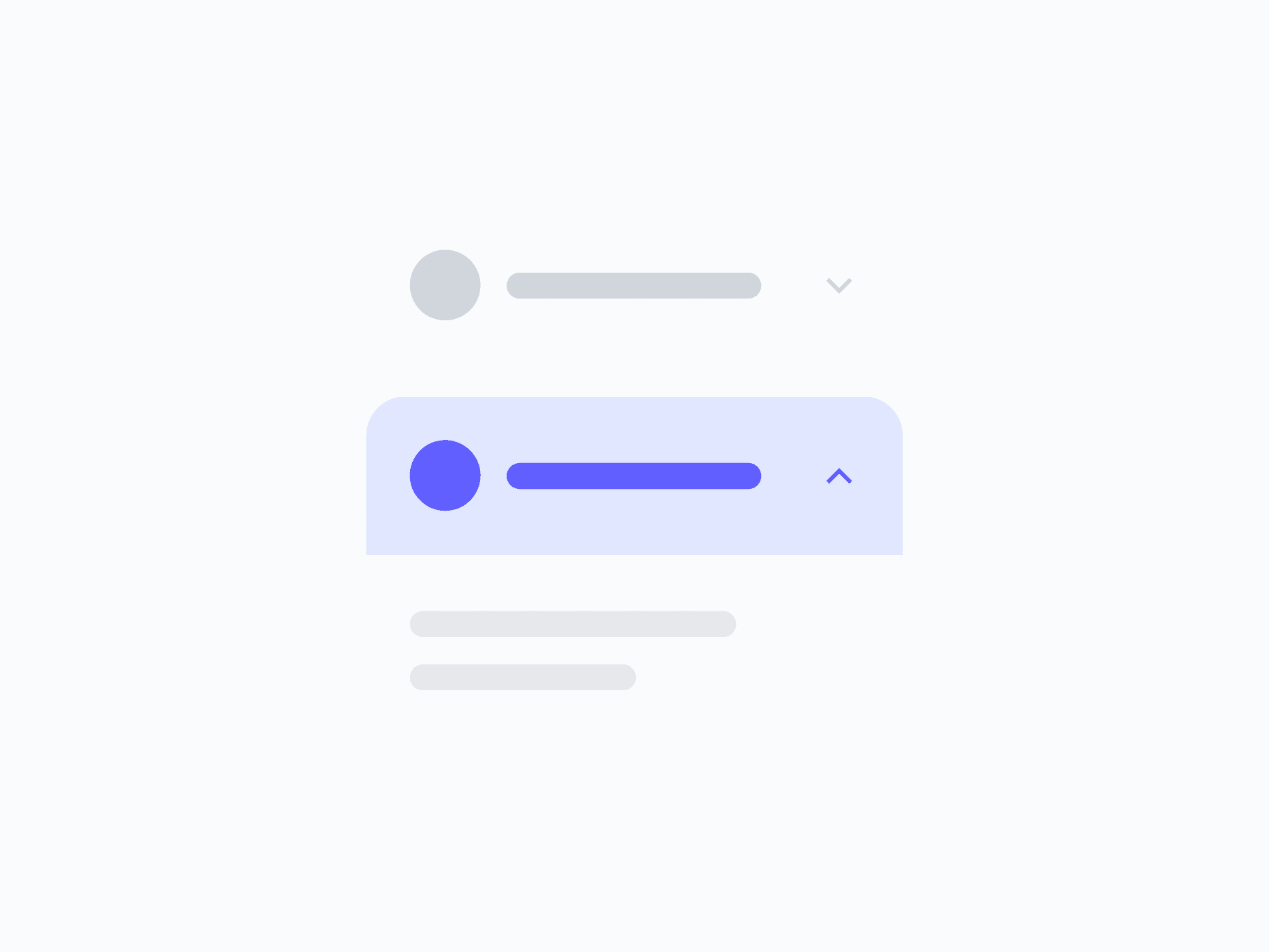
Organizes content into collapsible sections, revealing detail on demand without navigating away. Accordion offers 6 styles and rich content control, ready in Figma and React.







Loved by 2,000+ users worldwide.
Overview
Accordion organizes content into collapsible sections, revealing detail on demand without navigating away. With 6 appearance styles, full interaction state coverage, and rich content visibility control, it adapts to FAQs, settings panels, navigation menus, and any layout where progressive disclosure improves clarity.
Figma Preview
When should you use them?
Use an accordion when users need to scan section headers and open only the content that interests them, like an FAQ, a settings group, or a long form split into steps. Use tabs instead when sections are parallel and users switch between them rather than reading several.
How should you use them?
- Use an accordion for progressive disclosure of stacked sections; use tabs to switch between parallel views.
- Write clear, descriptive headers so users can predict what each section contains.
- Decide whether multiple sections can stay open at once, or only one at a time.
- Keep important content visible by default, rather than hidden in a collapsed section.
- Show the expand and collapse state clearly with a consistent caret or icon.
- Keep headers keyboard-operable and announce the expanded state to screen readers.
Questions,
answered clearly.
Plans, pricing, licensing, updates, and technical questions, all answered in one place.
Still have questions?


Your current plan is a one-time payment, no subscriptions, no recurring charges for what you buy today. Some future Create UI products (such as AI-powered features) may be offered as optional add-on subscriptions, but these are entirely separate and will never affect your existing purchase. What you buy now, you own permanently.

Stop deciding. Start shipping.
Install it today and your next screen takes an hour instead of a day. Keep rebuilding from scratch, and next quarter looks exactly like this one.
Start Free Now. Upgrade whenever you need.



